
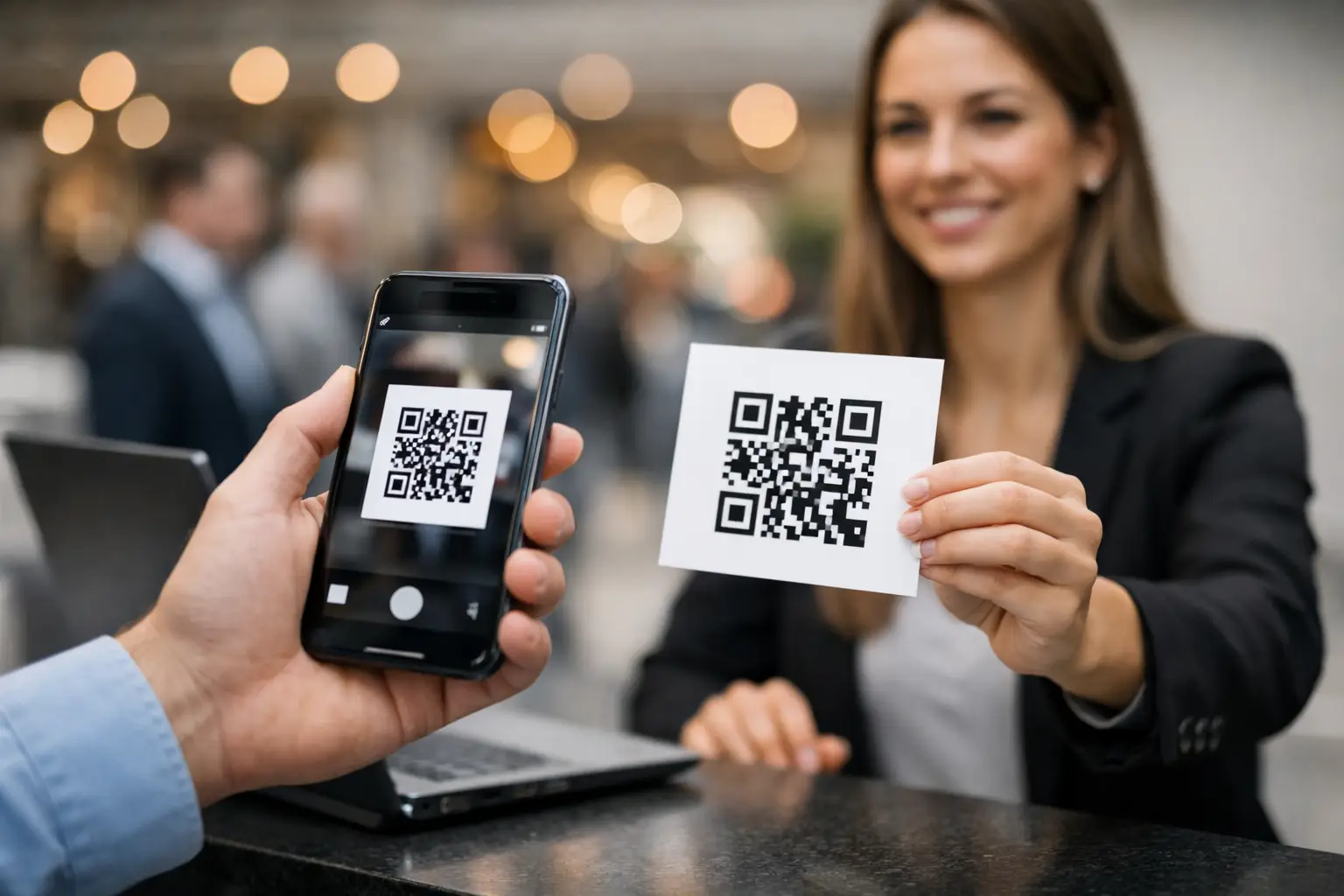
A tournament, a dance gala, or a workshop doesn’t get complicated on the day of the event. It gets complicated beforehand: registrations received through multiple channels, payments to verify, lists printed too early, and volunteers searching for the right name at the entrance. Event booking with QR code helps bring order to this process, from registration to attendance control.
For an association, the QR code is not a gimmick. It becomes useful when it links the information you already need to manage: who is registered, for which activity, how many spots remain available, whether payment has been received, and if the person has arrived. The goal is not to replace the welcome desk with a machine but to give volunteers a reliable view at the right moment.
Why Event Bookings Quickly Become Difficult
Many clubs start with a form, a spreadsheet, and a list at the door. This method may suffice for a small one-off activity. However, it shows its limits as soon as the event welcomes families, offers multiple time slots, or requires advance payment.
The problem is not Excel itself. It comes from copies. One person registers by email, a parent pays by bank transfer, a coach reports a change by message, and the treasurer updates their own file. In the end, no one knows which list is the latest version. Double registrations, spots blocked without payment, and entry oversights become hard to avoid.
A structured booking system centralizes these steps. Registrations are linked to members or households, capacities are tracked as bookings progress, and payment status remains visible. The QR code then acts as a convenient identifier at the welcome desk or to confirm access.
Event Booking with QR Code: What the System Must Manage
A QR code alone solves nothing if it leads to incomplete or outdated information. To be truly useful, it must integrate into a clear process for both organizers and participants.
Before Registration Opens
Start by defining the event with simple rules: date, location, times, capacity, price, target audience, and deadline. For example, a club can reserve a workshop for active members, open a gala to families, or offer several rates depending on the participant’s age and role.
Also plan what happens when capacity is reached. Depending on your activity, you can close registrations, create a waiting list, or open an additional time slot. This decision should be visible in the tool rather than managed via a personal email inbox.
If the event includes multiple activities, avoid placing everything into one vague registration. A participant should be able to know if they are booking the meal, the workshop, the show, or the tournament. For the organizer, this distinction facilitates useful lists: participants, companions, meals ordered, or groups by schedule.
At Registration and Payment
Registration should only request necessary information. For an activity reserved for members, reusing already known data avoids families having to fill in the same details repeatedly. For ticket sales open to the public, it may be necessary to collect more information, but without turning the form into an administrative dossier.
Payment is the point that requires the most rigor. A registered spot is not always a confirmed spot. It is therefore useful to clearly distinguish bookings that are pending, paid, canceled, or refunded. This view prevents following up with people who have already paid and avoids overestimating expected revenue.
In Belgium, payment habits matter. QR SEPA payment or bank transfer remains very practical for many associations, while Stripe or Mollie may suit online sales depending on your organization. The right choice depends on the audience, amount, and desired level of automation. For a refreshment stand or a small local activity, cash can still exist, provided it is recorded in the same tracking as other payments.
On the Day: Control Without Creating a Queue
The QR code can be sent after registration confirmation, integrated into a ticket, or presented on the participant’s phone. At the entrance, a volunteer scans it to immediately find the booking and mark attendance.
This verification is especially useful for high-attendance events, multi-day workshops, or activities where capacity must be respected. It also limits discussions at the welcome desk: instead of searching for a name in multiple lists, the team directly sees the booking status.
Scanning must not become an obstacle. Always keep a search by name or booking number. A dead phone, a poorly displayed QR code, or a parent who forgot their email should not prevent an expected person from entering. Technology should speed up the welcome process, not rigidify it.
Concrete Benefits for the Committee and Volunteers
Centralized management mainly reduces small tasks that take time without adding value: cross-checking payments, answering the same questions, correcting lists, and verifying attendance afterward. Each responsible person works with the same information, with rights adapted to their role.
For the treasurer, this means better visibility of amounts collected and bookings still unpaid. For the secretary, it means fewer double entries between registrations and the member register. For coaches or welcome managers, it means an up-to-date list without unnecessary access to all administrative data.
Families also benefit. They receive clear confirmation, know what they have booked, and can find practical information without having to chase the organization. This clarity is valuable when the same household registers several children for multiple activities.
Errors to Avoid with an Event QR Code
The first mistake is sending a QR code before clarifying its use. Is it proof of payment, a ticket, entry access, or a link to an information page? The same code can serve multiple purposes, but the participant must understand what to present and when.
The second mistake is considering the code as an absolute security measure. A transferred QR code can be shared. If identity verification is necessary, for example for a competition, a member-only activity, or a reduced rate, the volunteer must be able to compare the displayed name with the person present. The level of control depends on the real risk and type of event.
Finally, do not collect superfluous data. For a booking, limit yourself to information useful for organization and tracking. A platform intended for associations must also respect strict data separation between organizations and allow each team to work in its own environment.
When to Move from a Spreadsheet to Centralized Management?
The transition becomes relevant when your team starts saying: “I don’t know if this list is up to date,” “Who verified this transfer?” or “How many spots really remain?” These signals show that the cost of administrative patchwork outweighs the apparent convenience of the shared file.
A solution like Organzia connects events, ticketing, members, households, payments, and attendance in one interface. You don’t have to activate all modules from the start. A small non-profit can begin with registrations and events, then add other functions as its organization evolves.
For Belgian organizations, multilingualism, local payment methods, and adaptation to school calendars are also very concrete details. They prevent circumventing the tool each new season or for every communication aimed at families.
The best test remains simple: prepare your next event as if you had to answer four questions in a few seconds. Who is registered? Who has paid? Who is present? What remains to be managed? If your answers depend on several files, messages, and people, a QR code booking integrated into your administrative management can save you considerable time. This time can finally be used to welcome participants and improve the quality of the activity itself.